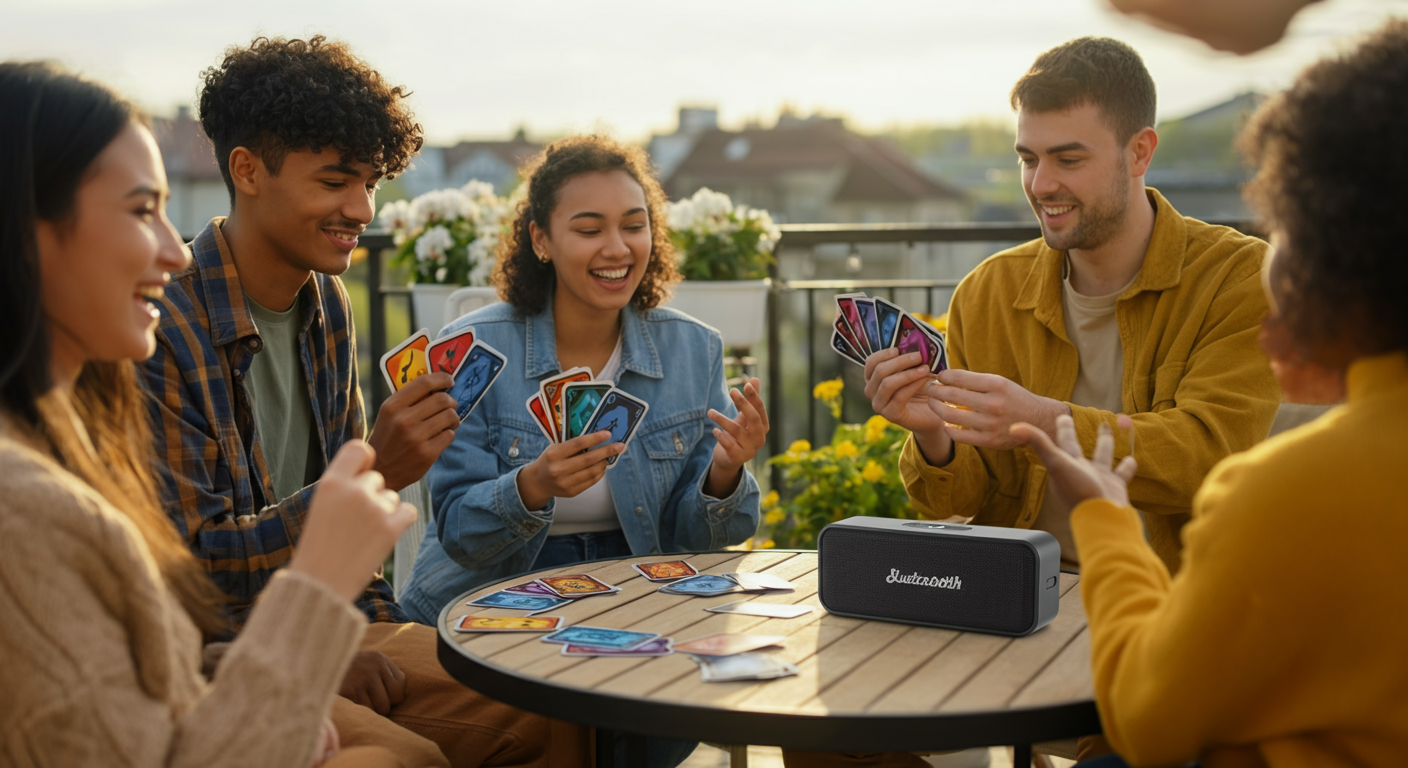
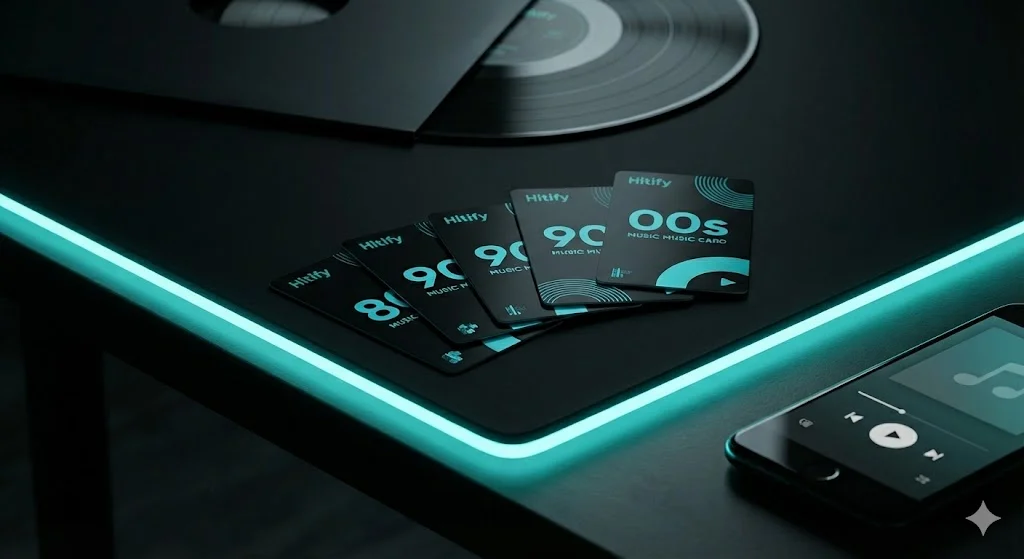
Top 5 Spotify Tips for the Ultimate Hitster Game Night in 2025
Want to take your Hitster game nights to the next level? Discover how to master Spotify features to create a seamless music quiz experience.
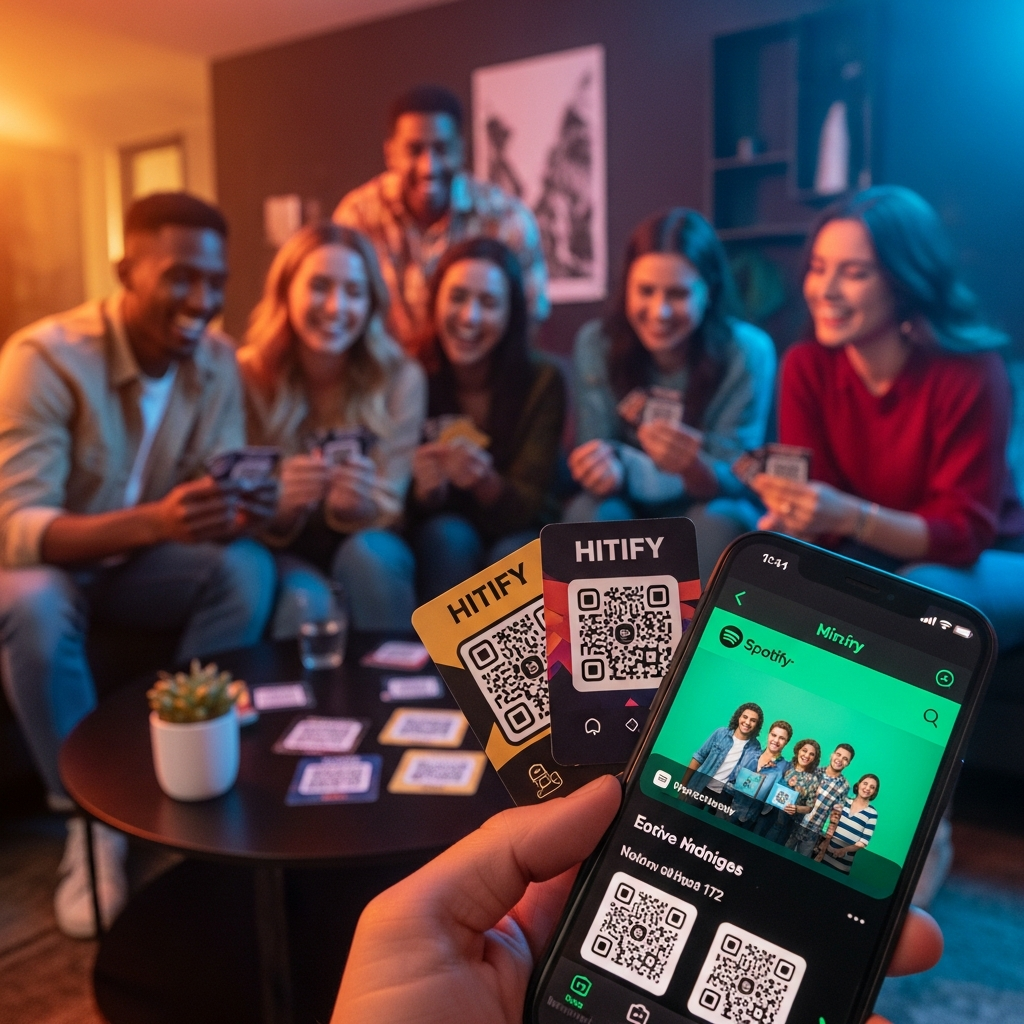
Game nights are evolving, and in 2025, the combination of physical cards and digital streaming has never been more exciting. If you're using Hitify to create custom packs, your Spotify settings can make or break the atmosphere. Here are our top 5 tips for a professional game night:
1. Enable Crossfade for Smooth Transitions
There's nothing worse than a sudden silence between tracks. Go to Spotify Settings > Playback and set Crossfade to around 5-10 seconds. This keeps the energy high as one song fades into the next.
2. Use 'Smart Shuffle' to Discover New Tracks
When creating your packs, use Spotify's Smart Shuffle. It suggests songs that perfectly match the vibe of your current playlist, helping you find those tricky 'year-guessing' tracks you might have forgotten.
3. Set Your Audio Quality to 'Very High'
For a truly immersive experience, make sure your stream quality is at its best. In Settings > Audio Quality, select 'Very High'. Your guests will appreciate the clarity when they're trying to identify that obscure 80s synth line.
🎵 Create your own music quiz
Surprise your guests with a personalized music game — ready in just a few minutes.
4. Create Collaborative Playlists
Planning a party? Invite your guests to a collaborative playlist weeks in advance. It ensures the game pack you generate with Hitify contains songs everyone actually knows and loves.
5. Use the 'Daylist' Feature
For a unique challenge, try creating a pack based on your current Spotify Daylist. It's a great way to have a spontaneous game night with music that fits the exact time and mood of your gathering.
Master these tips, and your next Hitster session will be unforgettable. Ready to start? Create your custom pack now!